 herdr web ui
Your herdr agents, in a browser and on your phone.
Read them as a chat, drop into the live terminal, and answer when they ask. The panes you already run in herdr, from any screen.
herdr plugin install devswha/herdr-web-uiTry it in your browser firstThe app on a fictional session, no install. Nothing in it is live.
Then open http://localhost:7317. It needs a running herdr 0.9.0+, Bun 1.4+ and Node 18+, and it starts with herdr from then on. Run it from a checkout instead, or hand INSTALL.md to a coding agent.
Nothing in between
-
herdr owns the sessions
Claude Code, Codex, omp, omo, gjc and the rest keep running in herdr exactly as you start them. There is no wrapper command, no second daemon and no account. This app reads herdr's socket and attaches to its terminals.
-
One pane, every screen
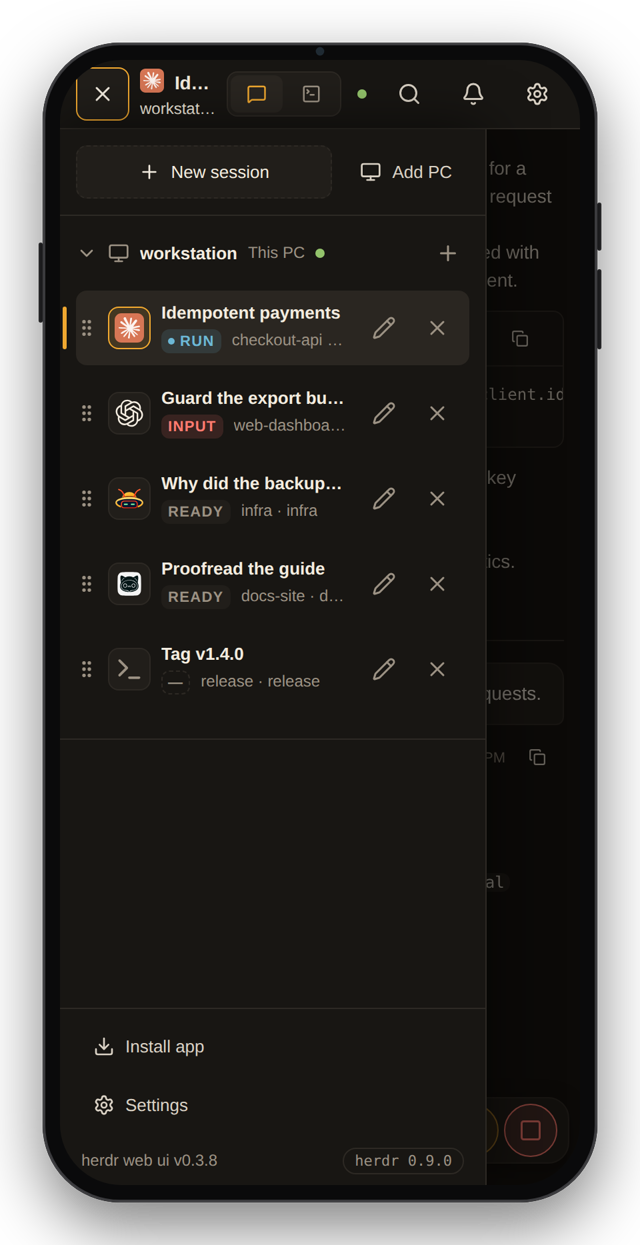
The pane in your herdr TUI is the same pane in your browser and on your phone, live in all of them at once. Nothing is stopped or handed over, and other Linux and macOS PCs join the sidebar over SSH.
-
Yours only
It runs on your machine and listens on
127.0.0.1by default. It sends nothing anywhere except GitHub, for its own updates, and your browser's push service, for alerts. Updates install in the background and roll back if the new build fails its health check.
The chat, the terminal, and the questions in between
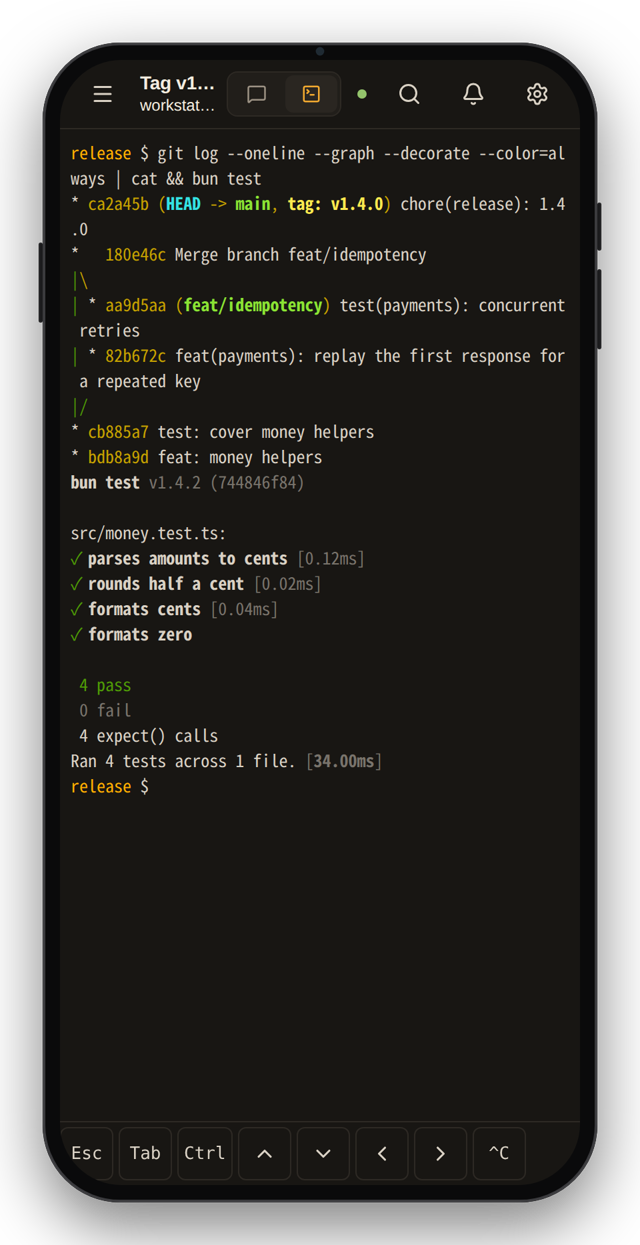
The chat is built from the agent's own transcript, not from screen text. Each turn's commands, edits and progress fold into one block, the todo list stays pinned below, and the real terminal is one tap away for full-screen TUIs and raw keys.
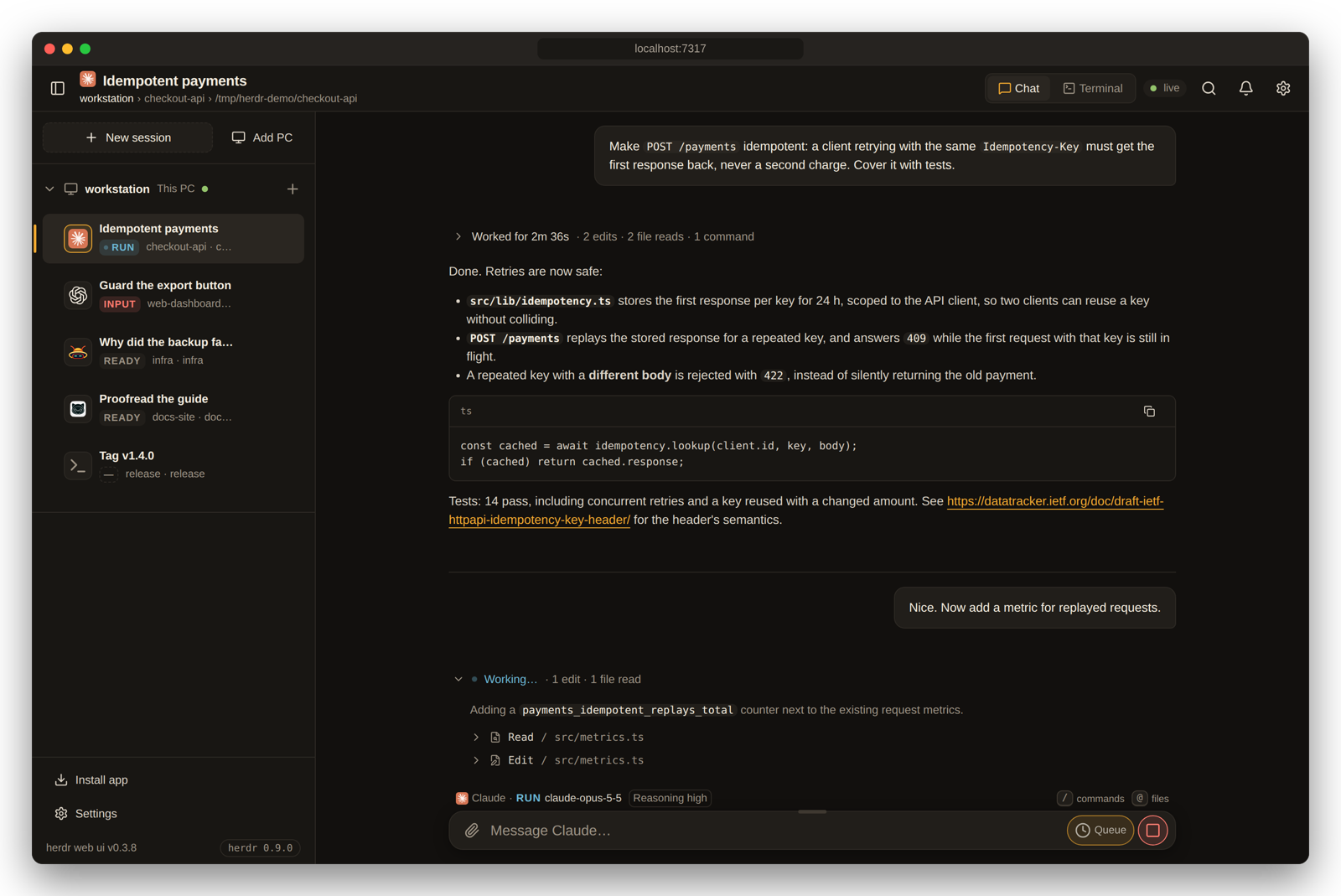
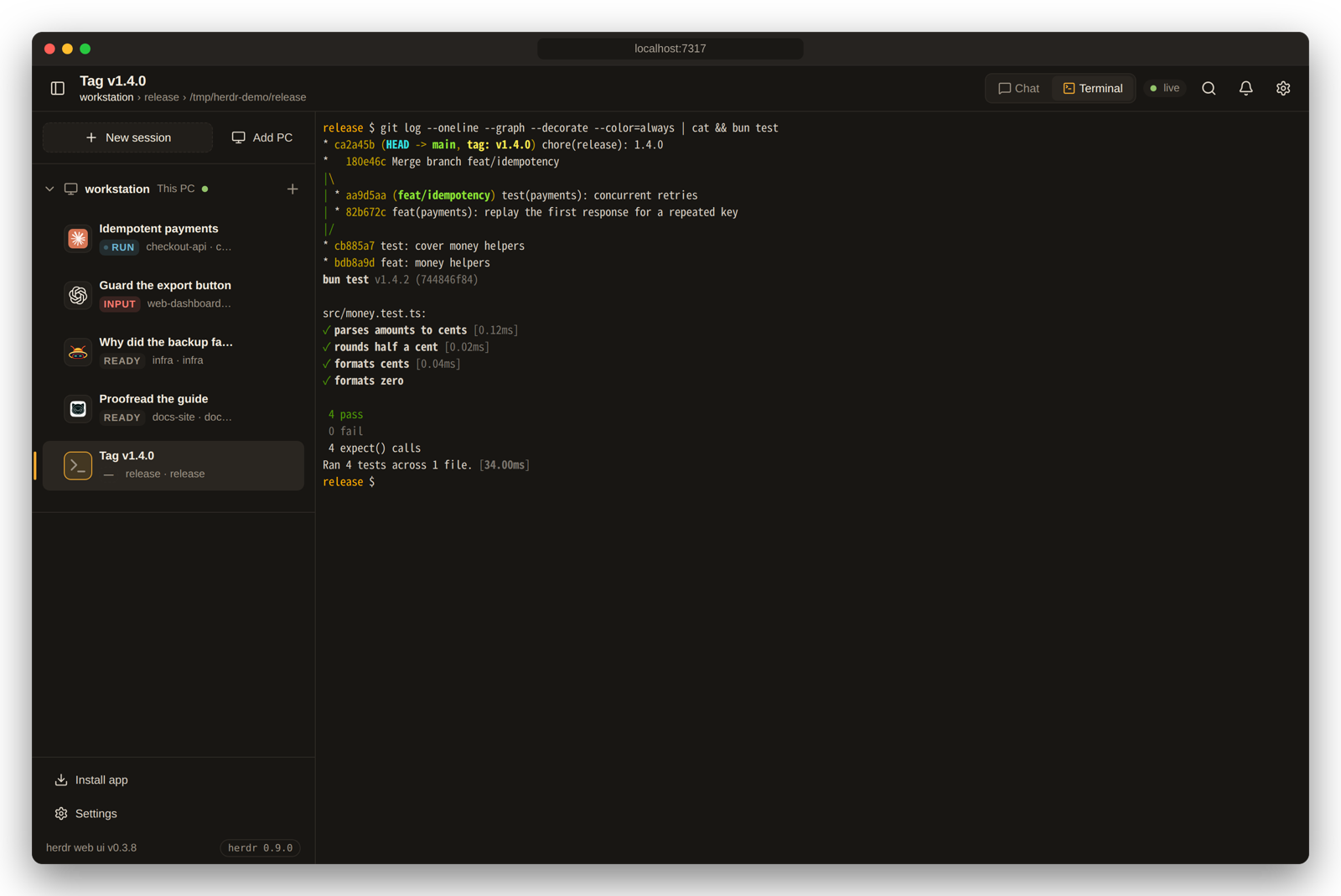
herdr terminal attach, with herdr's scrollback, shared with your own TUI.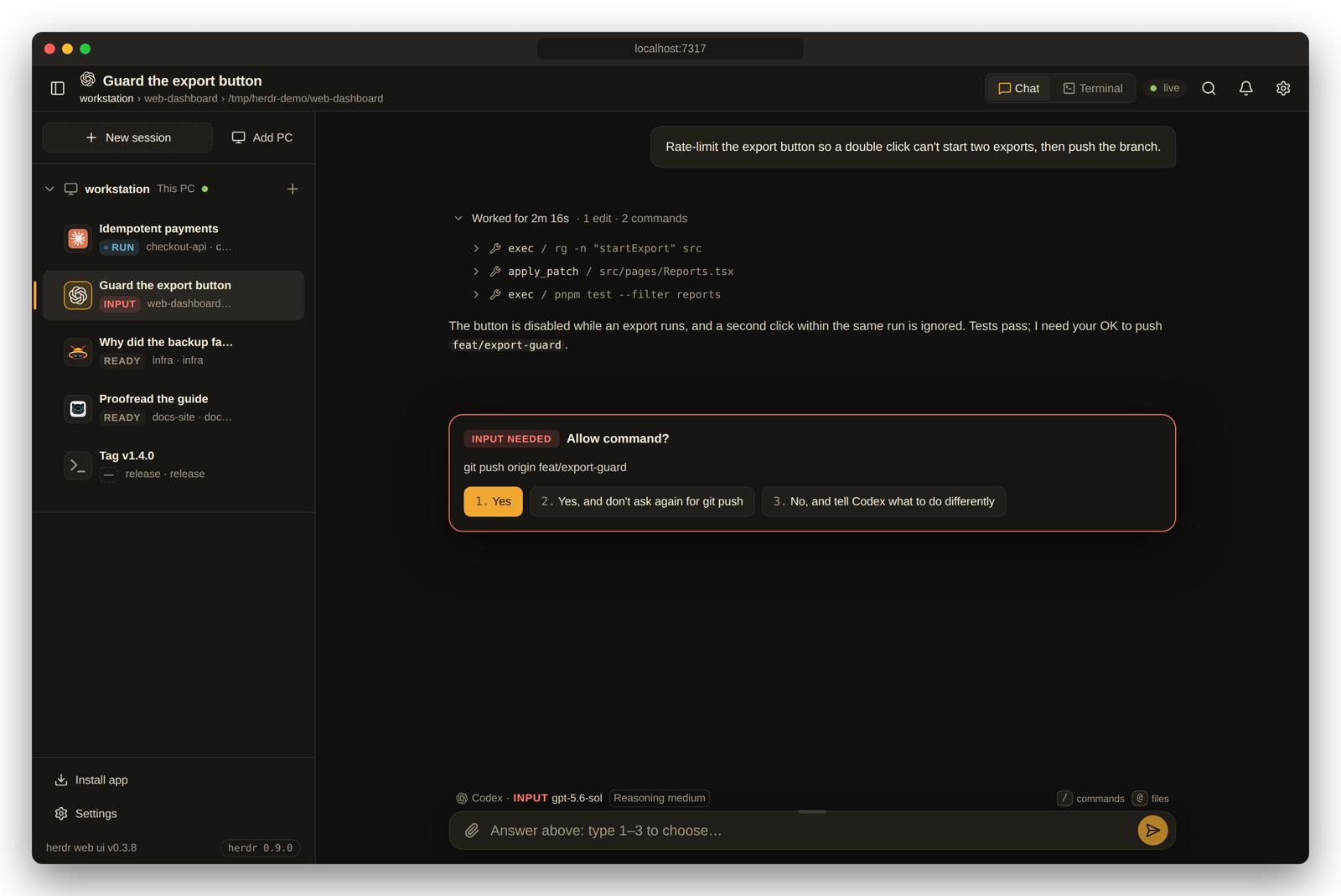
Every agent herdr runs
Every pane shows up with its live status, terminal and alerts. The chat view reads the agent's own session files wherever it knows where they are.
| Agent | Chat | Answer prompts from the chat |
|---|---|---|
| Claude Code | Native transcript, resolved through herdr | Approvals, questions, plan and menu picks |
| Codex | Native rollout, with tool results and commentary and final phases | Approvals and questions, queued ones included |
| omp | Native session file | Yes |
| omo | Native session file, found through the pane's process tree | Use the terminal |
| gjc | Native session file, from the session directory gjc keeps open | Use the terminal |
| Anything else | The terminal's text | Use the terminal |
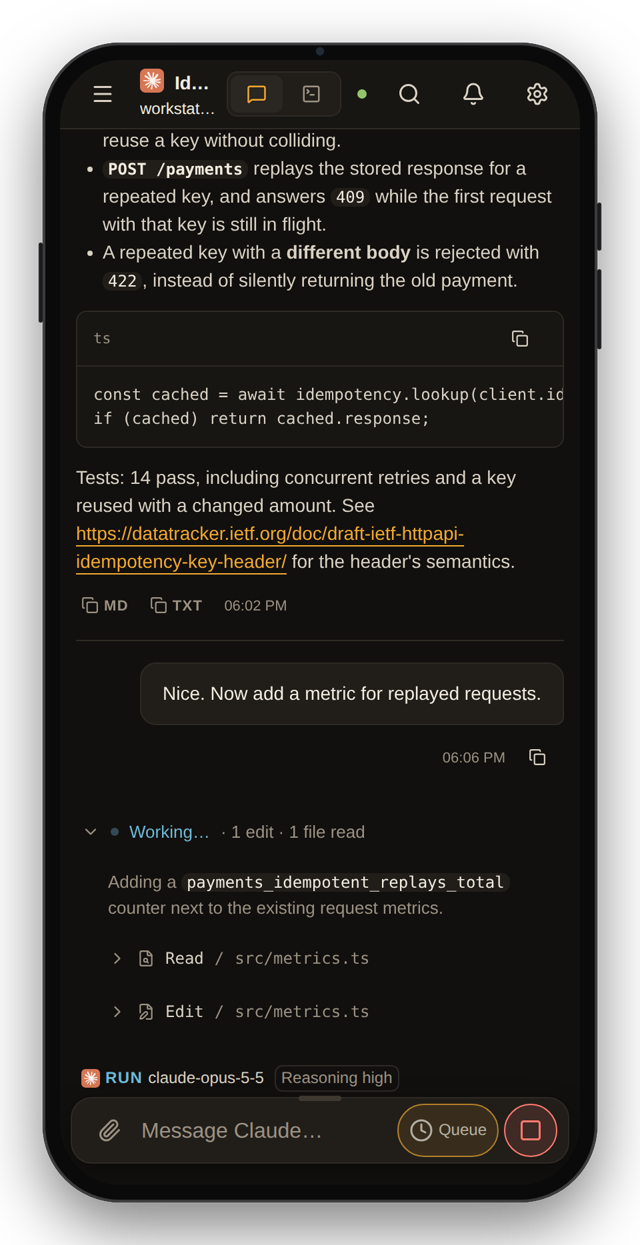
On your phone
Serve it over HTTPS to install it and get push alerts. Tailscale is the shortest route: the server stays on 127.0.0.1 and Tailscale adds an HTTPS address that only devices in your tailnet can open.
-
On the PC that runs herdr, publish the app to your tailnet.
tailscale serve --bg --https=443 http://127.0.0.1:7317 -
Open that address on your phone and install the app.
Safari: Share, then Add to Home Screen. Chrome: Install app.
-
Tap the bell to turn on alerts for that device.
You are told when an agent needs you or finishes. iPhone needs iOS 16.4+ and the home-screen app.
Your own Tailscale devices get in as you. Anyone else's device, or a LAN address, a public domain or a reverse proxy, is paired once with a code from Settings → Devices. Access and safety has the details.
Compared with other phone clients for herdr
All four are in the herdr plugin marketplace. Each is described here in the words of its own README and docs, and each does something this app does not.
| What | herdr web ui | collie | roamgate | herdr-remote |
|---|---|---|---|---|
| Runs as | A herdr plugin. herdr builds it, starts it and it updates itself. | Its own bridge, from a curl installer or as a herdr plugin. | Its own server, from a curl installer. | A macOS menu-bar app, plus a Python relay for the phone. |
| Drives | herdr | herdr, tmux or zellij | herdr | herdr |
| What you read | The agent's own transcript as a chat, with the work folded per turn and the todo list pinned. The live terminal for everything else. | Pane output, with a dashboard led by what needs your input. | Terminals, agent sessions, files and diffs. | An agent timeline and terminal output. |
| Answering | Prompt cards checked against the live menu, or the terminal. | Prompts as tappable buttons, quick replies, voice input. | Not in its docs | One-tap approvals from the phone, the menu bar or Telegram. |
| Reaching your phone | Your Tailscale, SSH tunnel or HTTPS proxy. Your Tailscale login gets in; other devices are paired with a code. | Tailscale serve, or your own ingress. | Its own server on your LAN with a token, native HTTPS, web push. | A free Cloudflare tunnel, and Telegram. |
| Other machines | Linux and macOS PCs over SSH, added from the sidebar. | Crews: one collie per machine behind one URL. | Not in its docs | The relay collects several machines. |
| Also | A viewer for the files agents make, web push, remote-PC bridges kept current with the app. | Six UI languages, device pairing, output search. | A file explorer with diff annotations, and it can install herdr for you. | A daily digest, a TUI, Windows support. |
Read as of September 2026. If you want tmux or zellij, diffs, Telegram or a tunnel out of the box, one of the others is the better fit.